Footers and Section Breaks Guide
PST 315: Methods of Policy Analysis and Presentation
This guide covers editing footers, aligning page numbers, and deleting section breaks.
Editing the footer and aligning page numbers
The footer in the report shell will look like this:
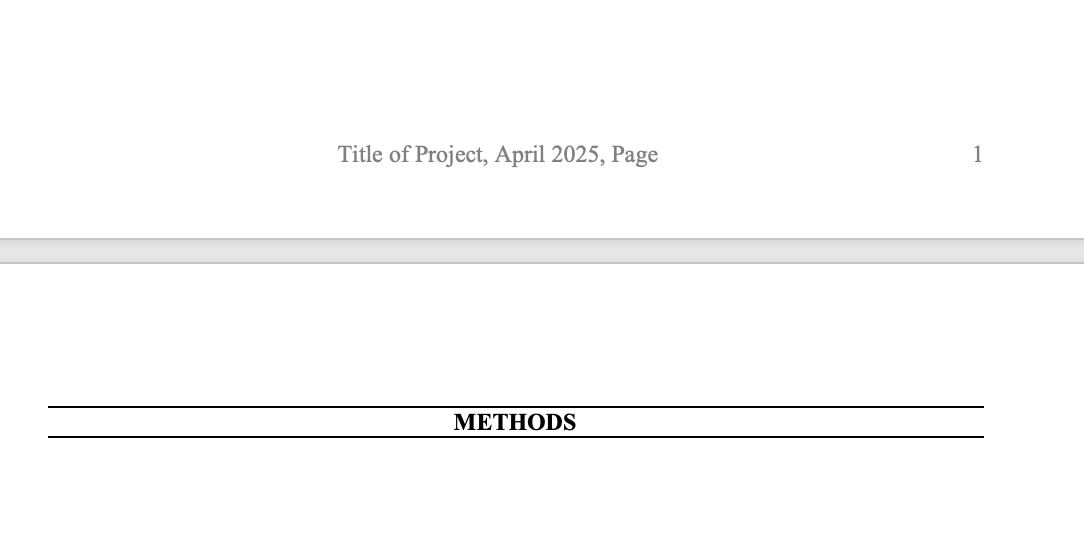
Double click in the footer area, and then you should be able to edit the project title. Change “Title of Project” to the actual title of your project.
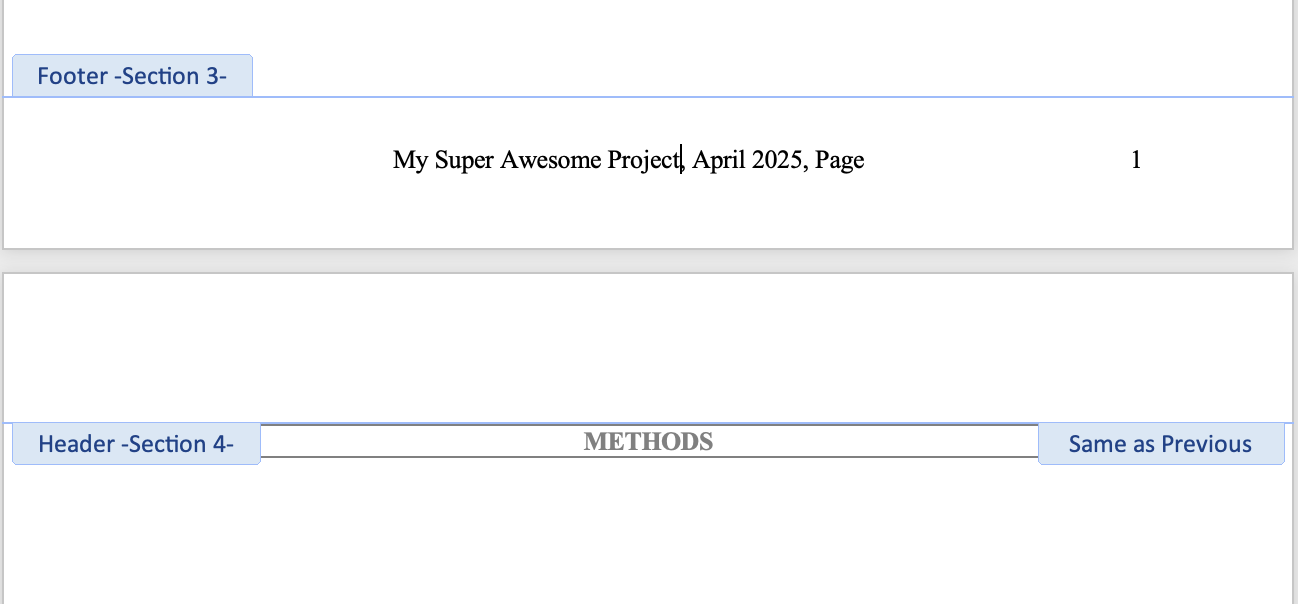
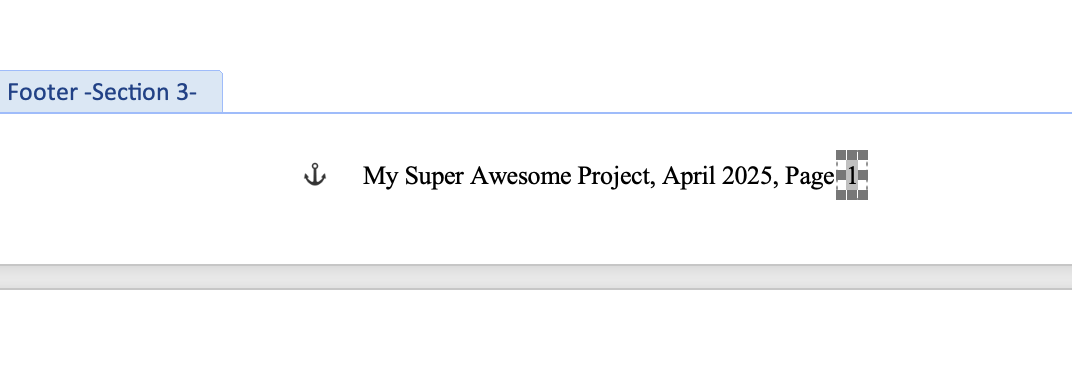
Drag the page number box to align with the end of the footer.
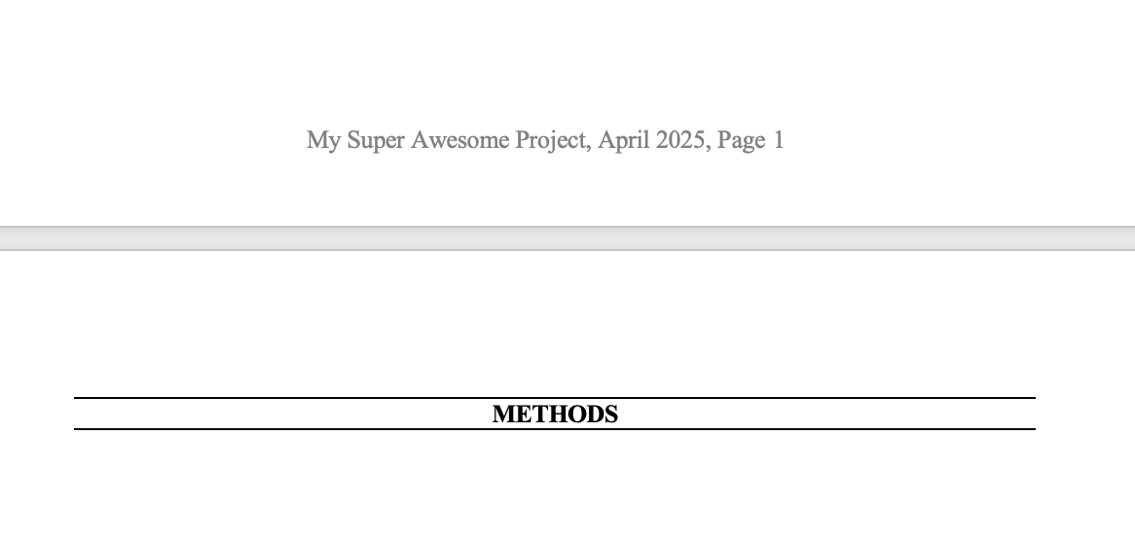
All done!
Deleting section breaks
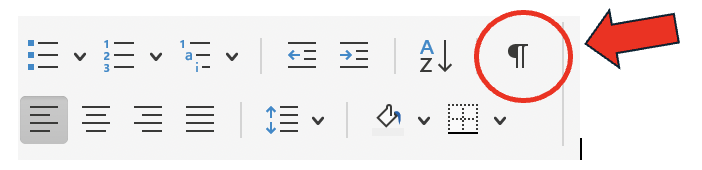
Click on the paragraph button (find it on the Home menu, see the image below) to show formatting marks on your report.
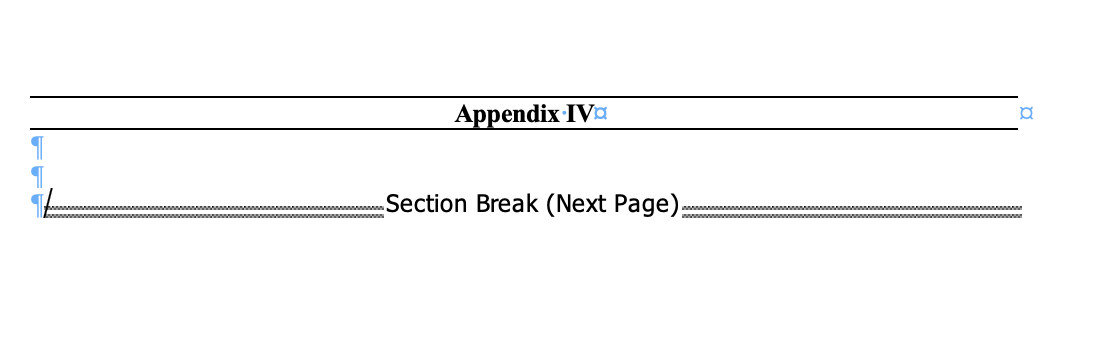
Once you click this you will see formatting marks appear in blue, and text in black that shows section breaks and page breaks. Find the section break you want to delete.
Click and press Command on your keyboard to select the section break. This will highlight it.
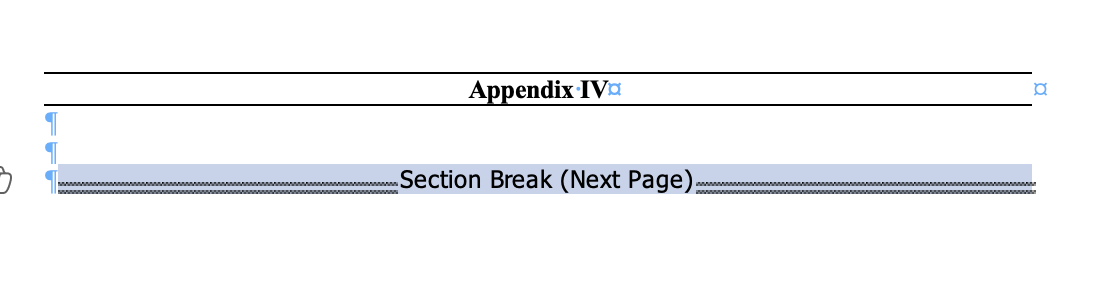
Press Command + X. This will cut the section break out of the report.
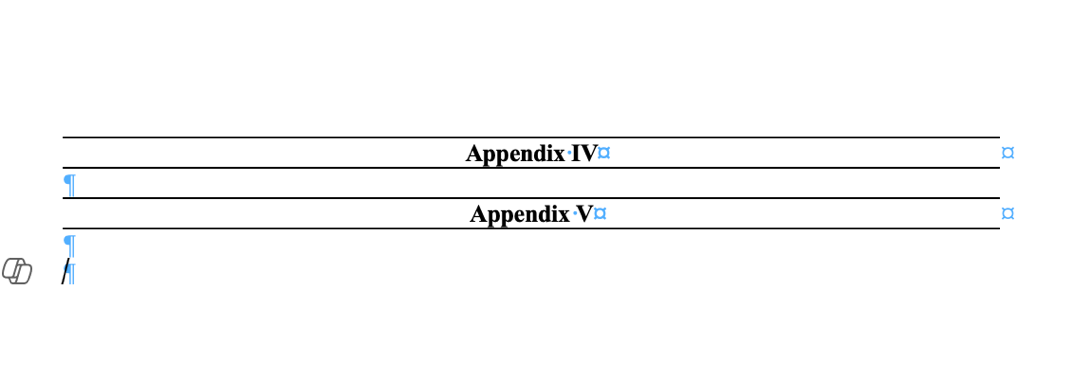
It should be gone. If not, try a few times – it can be finicky!